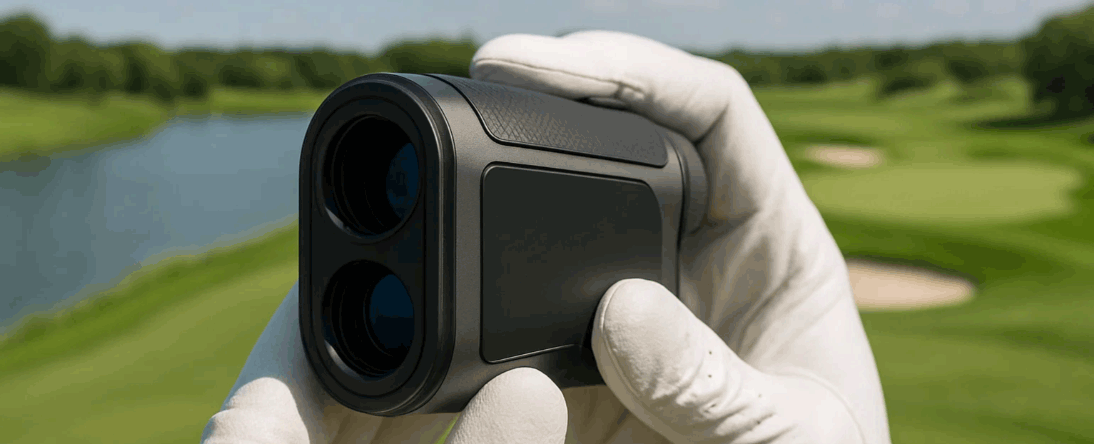
For OEM/ODM teams integrating a golf- or outdoor-ready laser rangefinder module, sun glare is one of the toughest usability hurdles. This article shows how you can address it with practical OLED display choices and UI tweaks—so your unit stays readable under full sun and avoids “can’t see the number” returns.
Table of Contents
ToggleExecutive Summary
- Sun-glare isn’t just about brightness; contrast, reflectivity, and display optics matter more than peak nits.
- Micro-OLED displays often outperform LCoS in bright sun thanks to fewer optical losses—choose wisely in your distance sensor module.
- UI elements must adapt: dynamic background dimming, high-contrast fonts, user-adjustable modes (sun, dusk), and auto-switching icons.
- Calibration and field validation—on 100 klux sunlight—should be part of your QA flow, not a marketing afterthought.
- By combining the right display and smart UI, you improve readability (and lock-rate) in bright light, reduce returns, and support higher value SKUs.
Use Cases & Buyer Scenarios
Scenario 1 — “Golf midday sun” retail handheld
Your channel partner reports complaints at noon: the display disappears on east-west holes. You move from standard transflective LCD to micro-OLED, reduce display optical stack loss, add user ‘Sun’ mode (black background, white text), and implement auto-dim for lower light. With calibration in place, the unit delivers readable ranges at 100 klux and lock-rate improves ~8%.
Scenario 2 — Field handheld for utility/solar sector
Users point your device at metal structures in full desert sun; reflections and glare kill viewfinder contrast. You switch to a display with higher transmittance optics, include a “High Sun” quick-button, and allow HUD inversion (white on black) or red-on-black. Data show better readability when ambient >120 klux and angle incidence >60°.
Scenario 3 — Premium bundle with fused optics
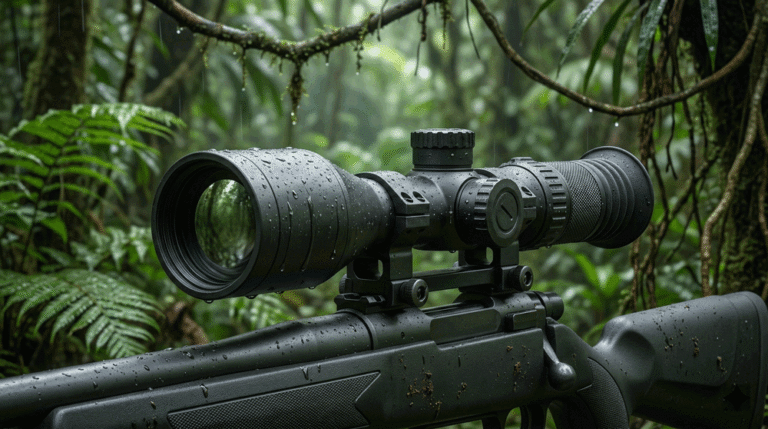
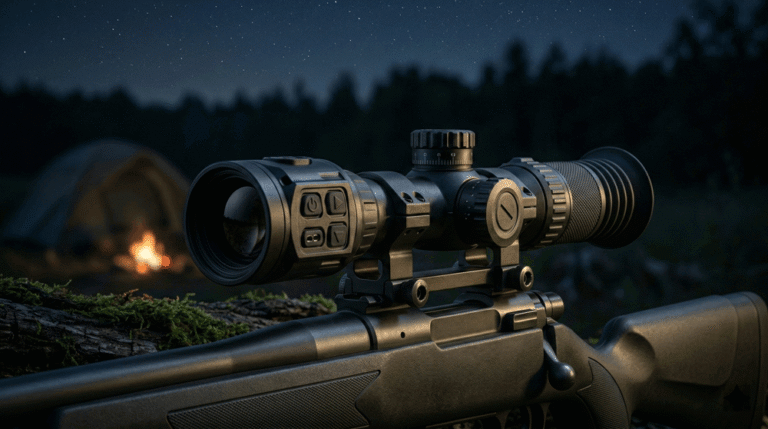
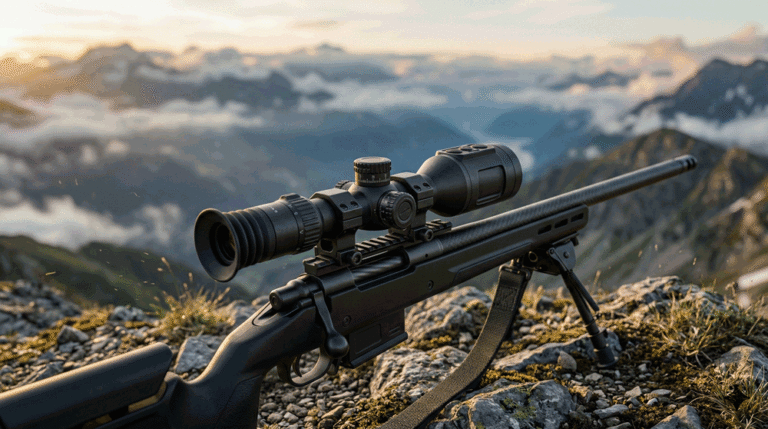
Your distributor sells a combo: a distance sensor module plus a Thermal Monoculars clip. The same OLED and UI style carries through. You include a “Sun Safe” mode in firmware, where display refresh skips full redraws, reduces backlight flicker, and ensures outdoor readability without sacrificing thermal performance.
Spec & Selection Guide (the heart)
Key definitions and trade-offs
- nits (cd/m²): unit of luminance. Outdoor use typically needs >1,000 cd/m²; but in real sun you need effective contrast, defined as: Effective Contrast=LdisplayLambient reflected\text{Effective Contrast} = \frac{L_{\text{display}}}{L_{\text{ambient reflected}}}Effective Contrast=Lambient reflectedLdisplay If ambient reflection is 5,000 cd/m² you may need 5,000 cd/m² output—or better optical design to reduce reflection.
- Micro-OLED vs LCoS: Micro-OLED is emissive—no illumination train losses. LCoS uses an illuminated panel with losses in polarizer, PBS, etc. For bright-sun units a micro-OLED can yield higher system contrast at equal watts.
- Optical stack losses: Each optical interface (window, lens, coating) reduces system contrast; reducing optical surfaces or using high-transmission AR coatings increases readability.
- UI contrast ratio: Font-to-background luminance. Higher ratio = more readable under glare. Design UI with high contrast mode and allow manual override.
- Ambient sensor and adaptive backlight: A good ambient lux sensor and dynamic backlight/contrast algorithm reduce power in shade and boost readability in sun.
- Color and reflectivity: Light backgrounds reflect more ambient; dark backgrounds absorb; UI design must account for that.
Comparison table
| Parameter | Your 1st-tier SKU | Your premium SKU | Why it matters |
|---|---|---|---|
| Display type | Standard transflective LCD (~700 cd/m²) | Micro-OLED (1,500–2,000 cd/m²) | Higher brightness + fewer losses in sun |
| Optical losses | Window + AR + PBS (T ≈ 85%) | Window + AR only (T ≈ 95%) | Less internal reflection improves contrast |
| UI mode | Default white on blue background | Add “Sun” mode (dark background, white text) + high ambient threshold | Better readability at >100 klux |
| Ambient sensor | Basic light sensor | ±10 klux sensor + quick-switch button | Better adaptation to rapid light changes |
| Backlight control | Fixed profile | Adaptive backlight + duty-cycle management | Saves power in shade, boosts in sun |
Decision-making rules
- If your intended outdoor illuminance target is >80 klux (e.g., noon on golf course), then push your display luminance to >1,000 cd/m² AND reduce optical losses via micro-OLED or simplified optics.
- If your UI doesn’t support “Sun” mode or ambient-based switching, then the margin for readability is low—train users and set expectations.
- If you include slope/ballistics features, then ensure those overlays use high-contrast fonts and avoid low-visibility decorative elements.
Integration & Engineering Notes
Electrical & Interfaces (UART/USB/CAN/MAVLink/SDK)
Include in your SDK commands to set display mode: SET_DISPLAY_MODE(SUN), SET_DISPLAY_MODE(DUSK), ENABLE_AUTO_AMBIENT. Provide access to ambient lux data (GET_AMBIENT_LUX). Ensure your rangefinder module’s host MCU monitors ambient and triggers mode changes. Power design: allow short backlight boost current in sun (>250 mA for OLED) while preserving standby.
Optics & Mechanics (mounting, alignment, sealing)
Display readability often suffers from stray reflections. Use a low-reflectivity bezel inside the eyepiece (~R<1%). Work with curved lens surfaces to reduce ghost images. Consider a hood/visor in handheld units to shield from overhead glare on bright days. Ensure display window AR coatings reflect little ambient (R<0.5% each surface).
Firmware/ISP/Tuning (AGC, filtering, UI logic)
Beyond range logic, implement UI states:
- Sun mode: high contrast, large digits, minimal UI clutter, black background.
- Normal mode: standard layout.
- Dusk mode: invert colors or reduce brightness for twilight.
Adaptive filtering: if ambient >80 klux and lock count >N, boost display refresh and increase Reticle visibility. Provide a “glare alert” if ambient >> backlight capability—suggest user use shade or hood.
Testing & Validation (bench → field, acceptance criteria & metrics)
Test under controlled and field conditions:
- Sun readability test: Ambient ~100 klux (measured with lux meter), target distance 200 m, handheld sweep ±5°, check legibility: operator must read digits within <0.5 s. Accept if ≥90% of sweeps succeed.
- Ambient-to-display contrast: Measure display luminance Ld and reflected ambient Lr. Accept if Ld/Lr≥4Ld/Lr ≥ 4Ld/Lr≥4.
- Drop-in-glare test: After 1.0 m drop (MIL-STD-810H 516.8), ambient 100 klux, verify readability unchanged.
- Power impact: Compare mWh per 100 ranges in sun mode versus normal; difference ≤+10% is acceptable.
Compliance, Export & Certifications
Even with display tweaks, the core module remains a laser device: ensure you validate IEC 60825-1 Class 1 and keep your FDA Laser Notice No. 56 documentation up to date if applicable. Display, UI and ambient-sensor changes don’t change laser classification, but you must reassess for thermal or optical path shifts. CE/FCC/RoHS apply for electronics and displays; if you include BLE for remote display control, include EMC/radio documentation. Labeling: indicate “Sun mode” in user manual, and include ambient safe range (e.g., up to 120 klux) so channel and user expectations align.
Business Model, MOQ & Lead Time (OEM/ODM)
Display & UI enhancements boost value.
- MOQs: 300–500 units for first-tier display integration; 500–1,000 units if you bundle special housing or visor.
- Lead time: Standard module + new display sample = 8–10 weeks. UI firmware options add 2–3 weeks.
- Private label: Offer two SKUs: “Standard” and “Sun-Ready.” Print “Sun mode certified readability” on packaging. The enhanced SKU supports you selling into premium golf or outdoor channels.
Tiny distributor ROI (illustrative)
| Assumption | Value |
|---|---|
| Ex-works cost standard SKU | $85 |
| Add “Sun mode” display/firmware | +$12 |
| Distributor sell price “Sun-Ready” | $149 |
| Gross per unit | $52 |
| Monthly run (Sun-Ready) | 600 |
| Monthly gross | $31,200 |
The premium SKU’s cost uplift is modest compared to returns avoided and premium pricing achieved.
Pitfalls, Benchmarks & QA
Using only nits for readability. If display is 1,500 cd/m² but reflection is 3,000 cd/m², readability fails. Fix: measure contrast ratio Ld/LrLd/LrLd/Lr.
Single static UI theme. Bright background reflects more sun and kills contrast. Fix: include dark-background “Sun” mode.
Neglecting optics losses. Every additional glass or polarizer drops contrast. Fix: minimize optical surfaces; use AR coatings.
Ambient sensor too slow or mis-placed. Display may switch too late or in shade and flash annoyingly. Fix: place sensor near eyepiece, sampling at ≥10 Hz, filter for shadows.
Not validating after shock/thermal. Display may shift or degrade under vibration or heat. Fix: include readability check after your module’s standard rugged suite.
No published readability spec. Buyers won’t believe “visible in sun” unless you publish numbers. Fix: quote: “Readable at 100 klux, ≥90% success in 5 s handheld sweep”.
FAQs
Can we just raise display brightness and ignore UI?
No. Brightness helps, but contrast and reflected ambient kill readability. UI and optics matter at least as much as nits.
Is micro-OLED always better than LCoS?
Not always—but for high-sun outdoor use it usually wins because there are fewer optical elements and less internal reflection. Evaluate system contrast, not just panel spec.
How do we measure ambient for field acceptance?
Use a calibrated lux meter aimed near the user’s eye point, measuring incident light (≥80 klux is midday). Run readability tests at, say, 100 klux because “full sun” varies by geography.
Does adding “Sun” mode affect power?
Possibly higher backlight drive in sun, but you can reduce refresh or UI animation to mitigate. Accept +10% power in sun mode is often a good trade.
How do we reflect this on the datasheet?
Publish readability metrics: for example “Readable at 100 klux ambient, ≥90% success in 5 s handheld sweep.” Include contrast ratio and UISun-mode spec. That sells better than vague “sun-friendly display”.
Call-to-Action (CTA)
Ready to deliver a golf-friendly device that truly reads under noon sun? Our engineering team can help you select a micro-OLED display, optimize optical stack, define Sun-mode UI, and validate readability at 100 klux with your Laser Rangefinder Module. If your roadmap includes fused optics or smart overlays, ask about integrating this into a Thermal camera module bundle or pairing with Thermal Binoculars for premium channels.
Sources
-
IEC 60825-1 — Safety of Laser Products (Ed. 3). Essential classification and optical path documentation. (International Electrotechnical Commission – IEC Webstore)
-
USGA / The R&A — Distance-Measuring Devices guidelines. Official tournament and field readability recommendations. (USGA – Equipment & Rules, The R&A – Equipment Rules)
-
Edmund Optics — Bright-Sun Readability and Contrast in Outdoor Displays. Practical optics resource for outdoor UI design. (Edmund Optics – Knowledge Center)