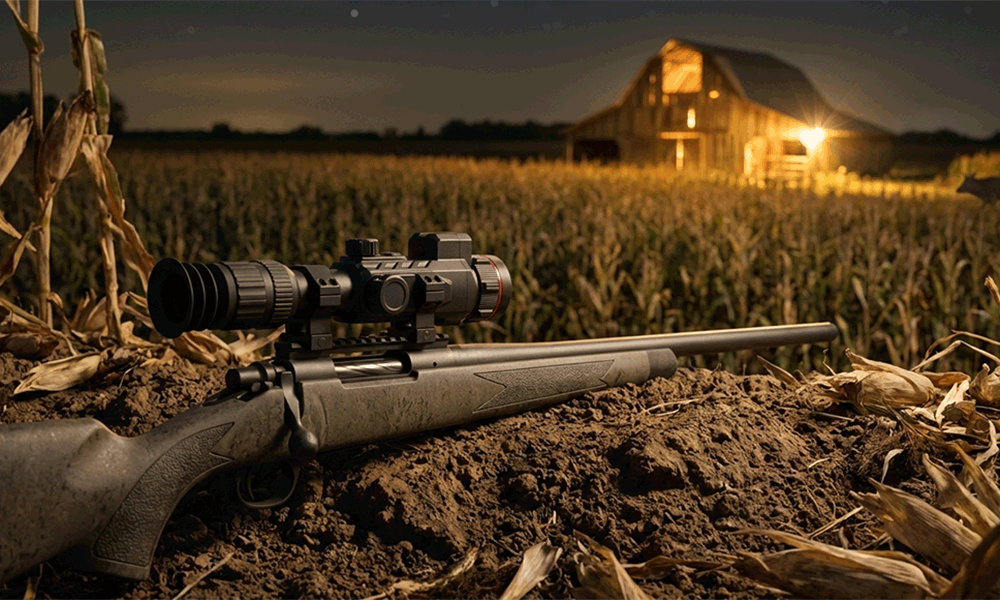
Handheld thermal monoculars have become the default tool for spotting heat signatures at night, in haze, and through light obscurants. Thermal excels at detection because it turns heat into immediate contrast, making targets “pop” even when visible-light detail is limited. But experienced users quickly learn the trade-off: thermal often provides awareness faster than it provides context. You may see a warm signature, yet still hesitate on what it is, what it’s doing, and what the terrain or background structure looks like.
Table of Contents
ToggleThat gap is exactly why thermal and optical fusion is emerging as the next credible step in premium handheld monocular design. Fusion is not “two cameras in one housing” for marketing. It is a workflow upgrade that combines thermal’s strength in detection with optical’s strength in scene structure and detail. For hunting and outdoor observation, a well-executed fusion monocular reduces false positives, improves identification confidence, and helps users navigate and interpret the scene faster without switching devices.
If you are planning an OEM product line, fusion also creates a clean premium tier that is not limited to resolution escalation. Instead of relying only on bigger sensors and larger lenses, fusion gives brands a different value story: faster decisions, fewer mistakes, and more confidence in complex outdoor environments. For the broader OEM framework that connects monoculars, scopes, and clip-ons into a single product strategy, see the pillar guide: Thermal Rifle Scopes, Monoculars & Clip-ons OEM Overview.
1) What “Fusion” Means in Real OEM Monoculars
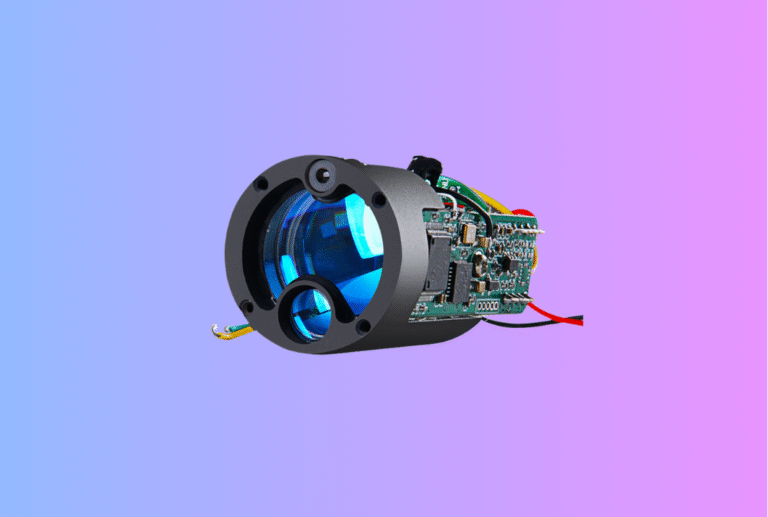
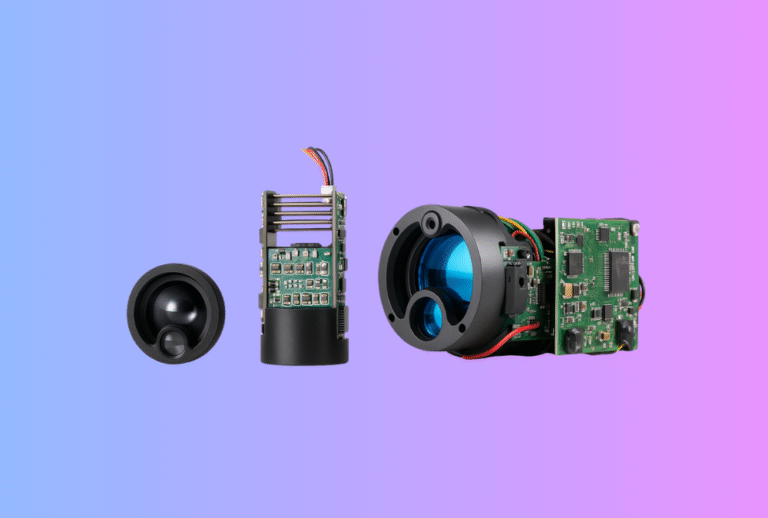
In handheld monoculars, fusion typically means the device includes two image channels: a thermal channel (LWIR) and an optical channel (most commonly a low-light digital sensor). The user can view thermal-only, optical-only, or a fused presentation. The important detail is that fusion is not one fixed mode. OEM programs succeed when fusion is treated as a system design choice that includes three required pieces: image registration (alignment), timing/latency control, and user interface design that remains usable under pressure.
When any one of those three pieces is weak, fusion becomes distracting. When all three are engineered together, fusion becomes natural. Users feel like the device “explains the scene,” not just the heat.
2) Why Fusion Matters for Outdoor Hunting and Observation
Thermal is excellent at detecting targets, but outdoor scenes often demand more than detection. In cluttered vegetation, signatures overlap. In rocky terrain, residual heat creates confusing shapes. In humid or crossover conditions, contrast flattens and the user needs extra cues to interpret the scene quickly. Optical context helps clarify edges, terrain boundaries, fence lines, and other structural information that thermal may not represent clearly.
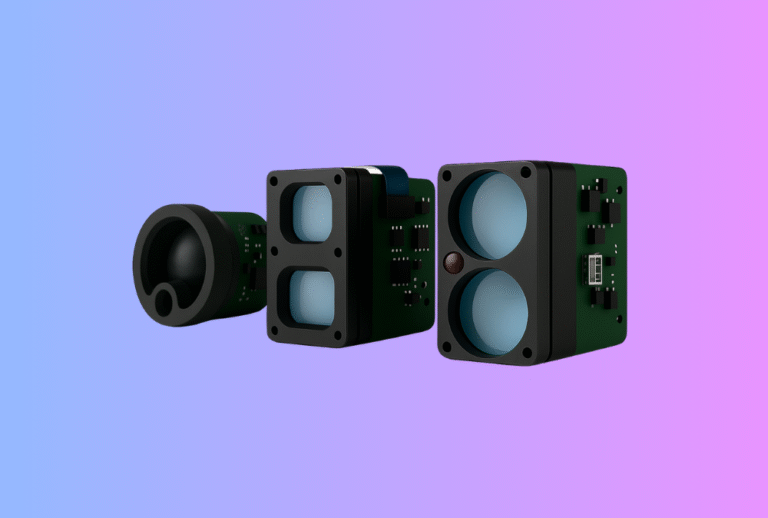
This is where fusion becomes more than a premium label. It reduces the cognitive load of “guessing,” especially for new users or during fast scanning. If your brand’s premium positioning is built on identification confidence and low-contrast usability, fusion is most powerful when paired with a strong sensitivity stack (NETD + optics). If your product line also includes LRF-enabled monoculars or scopes, fusion becomes even more valuable because users can range and interpret the scene in one workflow. For an OEM approach to integrated range tools, start with: Laser Rangefinder Module and Rangefinder Module Integration.
3) Where Fusion Adds the Most Field Value
Fusion matters most in dynamic, cluttered environments where thermal alone can leave ambiguity. The first high-impact use case is confident target classification. Thermal shows heat, but optical helps explain whether the signature is an animal body behind brush, two animals overlapping, or a warm object with a similar shape. The second use case is navigation and terrain awareness. Thermal contrast does not always correlate with physical obstacles; optical structure helps users move safely and quietly without constantly switching devices or increasing screen brightness.
The third use case is content capture and training. Many customers want recordings that look understandable to others, not only “heat blobs.” Fusion modes like picture-in-picture or edge overlay often make recorded clips easier to interpret and more shareable. The fourth use case extends beyond hunting into field security and search-and-rescue style observation, where the combination of detection plus context reduces uncertainty in real time.
For brands selling handheld products into these scenarios, fusion can be positioned as a “context amplifier” rather than a purely technical feature. That positioning is stronger, and it survives real-world testing.
4) The Core Engineering Challenge: Registration and Parallax
If you remember one technical concept about fusion, make it this: fusion quality is mostly an alignment problem. The thermal sensor and optical sensor sit in different physical positions and often use different lenses. That creates parallax. Objects at different distances will not line up perfectly between the two channels unless the system is designed and calibrated properly.
This is why many fusion products look great at one distance and drift at another. The closer the target, the more parallax becomes visible. The farther the target, the more lens distortion differences and small axis errors matter. Registration must also remain stable across temperature changes and mechanical stress, which is a non-trivial challenge in compact, sealed devices.
A serious OEM fusion design treats registration as both a mechanical and software calibration problem. Housing structure, internal frame references, sensor mounting stability, and production tolerances all influence whether fusion remains trustworthy after thousands of minutes of scanning and repeated environmental cycling.
5) Fusion Presentation Modes: Choosing the Right Experience for Hunting
Fusion is not one display style. OEM products typically implement a small set of modes that trade off visual impact, tolerance to misalignment, and compute load. The best hunting-focused designs prioritize modes that remain usable even if registration is not perfect at every distance.
| Fusion Mode | What the User Sees | Why It Works in the Field | The Main Risk |
|---|---|---|---|
| Picture-in-Picture (PiP) | Thermal main view with an optical inset (or reverse) | Quick context check without full overlay sensitivity | Inset placement/size can reduce usefulness |
| Edge/Outline Overlay | Thermal view with optical edges added | Adds terrain structure with minimal distraction | Misalignment becomes visible at different distances |
| Full Blending (Alpha Mix) | Thermal and optical mixed across the whole image | Strong demo appeal, “premium feel” | Parallax artifacts and latency become obvious |
| Split View | Thermal and optical side-by-side | Useful for training and comparison | Less natural for hunting workflows |
For handheld hunting monoculars, PiP and edge overlay often provide the best “field value per complexity.” Full blending can be impressive but requires stronger registration stability and latency control. If your brand wants a truly premium fusion experience, the engineering plan must match the marketing plan.
6) Latency and Synchronization: Fusion Must Feel Instant
Fusion monoculars are used while moving and scanning. If the optical channel lags behind the thermal channel, overlay edges appear to “swim” during panning. Users interpret that as low quality immediately. In practice, this means fusion requires a pipeline designed for responsiveness: consistent frame timing, minimal buffering, predictable processing latency, and stable rendering.
This is also where refresh rate decisions interact with fusion. Higher refresh rates can make motion feel smoother, but they increase processing load and power draw. The best approach is not to chase the biggest number; it is to maintain stable responsiveness under real scanning behavior. If you’re optimizing your outdoor monocular experience for motion, this pairs naturally with your broader platform decisions on refresh and compute budget.
7) Power and Heat: Fusion Multiplies Load (So Stability Engineering Matters More)
Fusion is heavier than single-channel thermal. Two sensors plus extra processing means more power draw and more heat. In sealed handheld devices, this is where many fusion projects fail quietly. They look good early in a demo, then drift, throttle, or degrade under sustained use.
Heat affects electronics stability, but it also affects mechanical drift, which feeds back into registration quality. That is why fusion is inseparable from thermal design discipline. If your platform also offers recording, streaming, or app connectivity, your duty cycle becomes even more demanding. For brands and OEM buyers, the correct question is not “can it do fusion,” but “can it do fusion for an hour under real load and still behave predictably.” If you are building compact modules that must remain stable under sustained compute load, the thermal design logic in your module program becomes directly relevant: Accessories and Support Ecosystem can also matter because power options and mounting stability affect real usage patterns.
8) Calibration Strategy: Consistency Across Production (Not Just One Perfect Sample)
A fusion monocular that looks perfect as a single sample can still be a commercial disaster if production units vary. OEM fusion calibration needs to be designed for repeatability. That includes how alignment is referenced mechanically, how distortion differences are corrected, and how the system is validated across distances and temperature ranges.
The best programs combine factory calibration with stability-by-design. A stable internal structure reduces drift; a robust calibration routine corrects predictable differences; a validation plan confirms that the user experience remains acceptable across the expected hunting distances. If you are building a premium brand, your fusion story must be backed by consistency, not just a showroom demo.
9) UI/UX for Fusion: Keep It Field-Usable, Not Feature-Heavy
Fusion only adds value if users can control it quickly and predictably. The most common UI mistake is burying fusion in deep menus. In real hunts, users need a fast toggle between thermal and optical or a quick activation of a preferred fusion overlay mode. The interface should preserve the user’s state so switching modes doesn’t reset zoom, palette, or recording.
A practical approach is to treat fusion as a top-level mode with a dedicated shortcut, then offer only one additional control for intensity (blend level or edge strength) when needed. Too many fusion modes and parameters can overwhelm users and increase field errors. Premium UI is not about options; it is about speed and clarity under stress. For brands that care about field usability, menu logic, multi-language support, and glove-friendly controls should be treated as core differentiation: Warranty and Support Expectations is also a key part of premium UX because service response is part of the experience.
10) How to Position Fusion Without Overpromising
Fusion sells best when positioned as a measurable outcome, not a vague “next-gen” claim. The strongest positioning statements are practical: faster classification, fewer false positives, better navigation, and better context in cluttered scenes. The safest messaging is also honest: when optical is degraded in extremely low light or weather, users can still rely on thermal-only mode. That dual-mode resilience is part of the value story.
For OEM brands, fusion is a premium feature that needs premium discipline: stable registration, low latency, controlled thermal behavior, and a UI that is usable while moving with gloves. When those foundations are built correctly, fusion becomes a defensible tier upgrade that can lift both product perception and dealer confidence.
CTA: Planning a Fusion Monocular OEM Project?
If you’re building a handheld fusion monocular for hunting or outdoor observation, we can help you select a fusion architecture and mode strategy that stays stable in real environments, with a calibration plan and UI workflow that fits your brand positioning.
Start with the most relevant OEM entry points on our site and share your requirements through the inquiry channel:
Tell us your target market, preferred fusion modes (PiP/edge/blend), expected operating environment (forest/open terrain/humid), and feature load (refresh rate, recording, streaming). We’ll recommend a configuration roadmap, alignment validation approach, and UX control strategy suitable for a long-term branded product line.
Recommended Reading for OEM Buyers