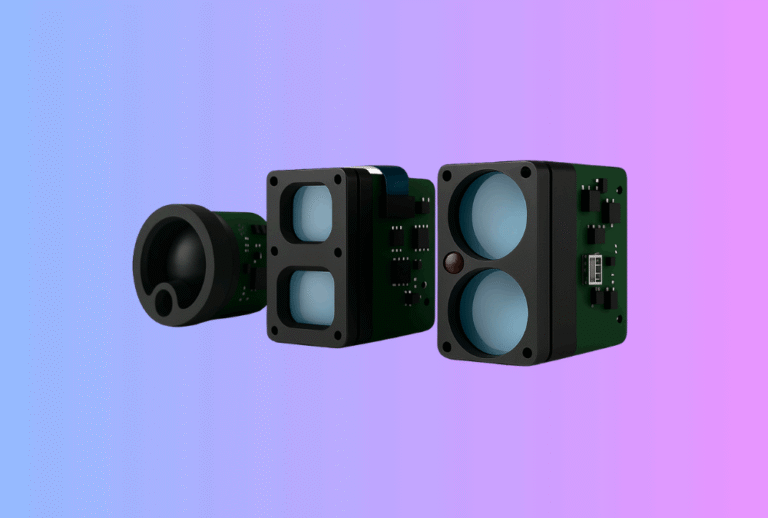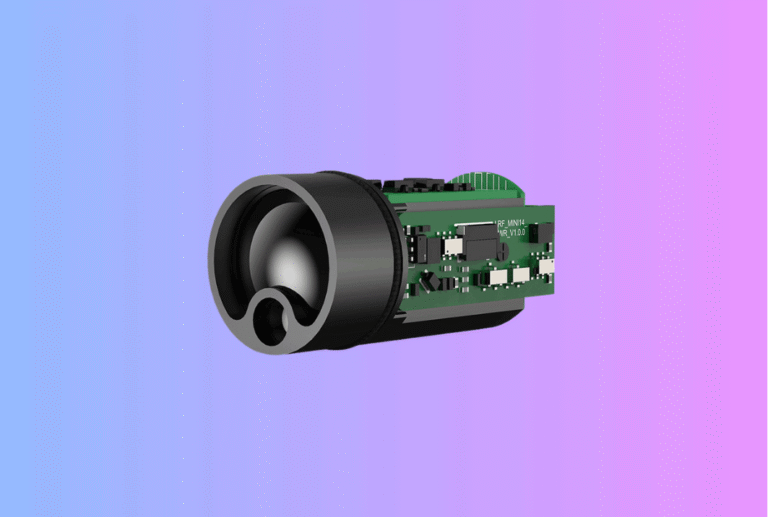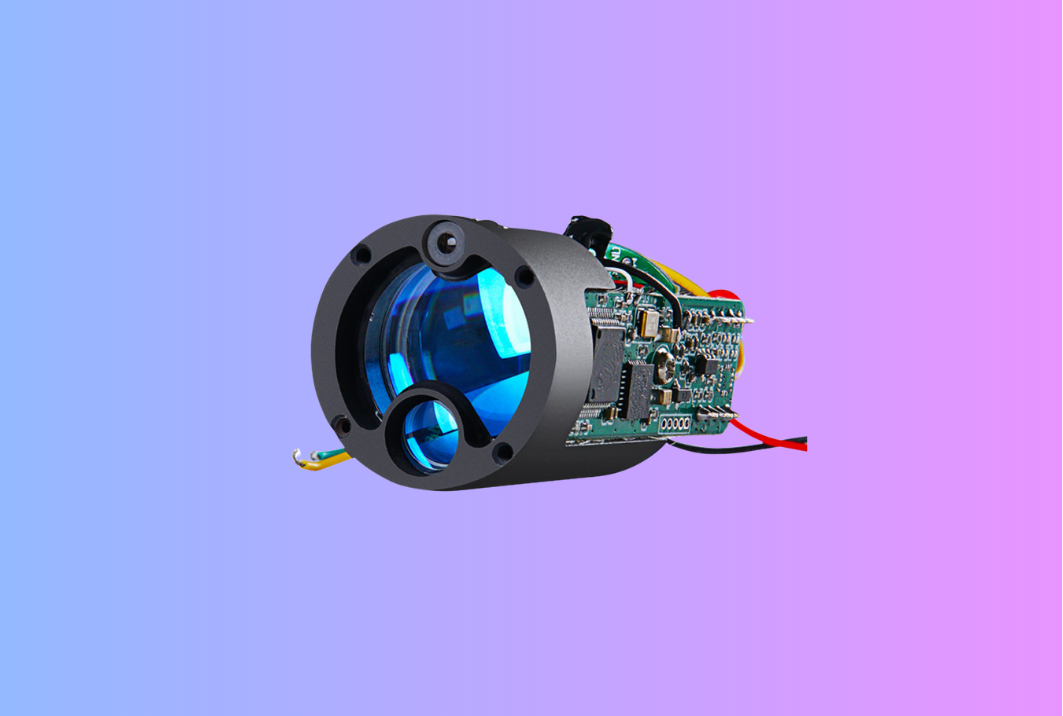
This practical guide shows OEM/ODM product managers, integrators, and distributors how to design, tune, and present firmware modes on a time of flight sensor–based handheld using a Laser Rangefinder Module—specifically First-Target, Last-Target, and Scan. We connect physics to field behavior, then translate that into UI/UX choices, debouncing, confidence scoring, and scan-rate settings users can trust.
Table of Contents
ToggleExecutive Summary
-
First-Target favors the nearest stable return within a gated cluster—ideal for flags, poles, and urban edges.
-
Last-Target biases to the far side of a compact cluster—best for animals or objects screened by light grass or brush.
-
Scan streams measurements while the reticle sweeps; the value is cadence and stability, not sheer Hz.
-
Make confidence visible. A 0–100 confidence score tied to cluster spread and valid-return count cuts support tickets more than raw “Hz.”
-
In bright sun, matched filtering and short micro-bursts beat peak power; keep Class-1 emissions stable and stay aligned with FDA Laser Notice No. 56.
Use Cases & Buyer Scenarios
Scenario 1 — Golf flags and reflectors (First-Target by default)
A handheld wants fast, repeatable locks on flags at 50–350 m in noon sun. First-Target plus a tight gate reduces “seeing past” the flag to a background fence. Present a small lock icon and a confidence score next to the number. Keep the HUD legible using glare patterns validated across optics such as Thermal Binoculars.
Scenario 2 — Wildlife behind grass (Last-Target with verify)
A hunter ranges a deer partially screened by blades at 150–300 m. Last-Target suppresses near clutter; if the cluster spread is wide, fire a short verify burst before committing. This logic ports later into overlays for Thermal Rifle Scopes.
Scenario 3 — Mapping and walk-and-scan (Scan with debounced cadence)
A utility tech sweeps structures at 50–150 m. Scan shines when cadence is predictable and digits don’t chatter. Debounce updates to ~5–8 Hz perceived display rate, and show a soft bar/icon to indicate good track while walking. The same cadence style later harmonizes with Thermal Monoculars HUDs.
Spec & Selection Guide (the heart)
What the modes actually do (in signal terms)
-
First-Target. Cluster candidate TOFs and pick the nearest compact cluster inside a distance-scaled gate—great for flags/posts.
-
Last-Target. From the same set, pick the farthest compact cluster—great for subjects behind light clutter.
-
Scan. Repeat burst → cluster → decision at fixed cadence; stability beats raw rate.
Ship-able model per measurement
-
Fire a micro-burst of N pulses (9–15 typical).
-
Build a histogram; cluster by proximity.
-
Compute amplitude, spread (σ), skew.
-
Apply bias: nearest (First) or far-leaning (Last).
-
Emit range + confidence + valid-return count + optional σ.
Choosing defaults that won’t bite you later
-
Burst length (N): 9–13 balances SNR, latency, battery.
-
Pulse width (τ): slightly longer τ helps low-ρ returns; regain resolution via matched filtering.
-
Gates: scale with distance; too loose invites backstop locks, too tight misses wobbly hands.
-
Scan cadence: sample fast internally but debounce UI to ~5–8 Hz.
-
Confidence (0–100):
C=100⋅min(1,k1A/A0)⋅min(1,k2Nvalid/N)⋅e−k3σ/σ0C = 100 \cdot \min(1,k_1 A/A_0)\cdot \min(1,k_2 N_{\text{valid}}/N)\cdot e^{-k_3 \sigma/\sigma_0}C=100⋅min(1,k1A/A0)⋅min(1,k2Nvalid/N)⋅e−k3σ/σ0
Quick comparison (SDK-ready)
| Attribute | First-Target | Last-Target | Scan |
|---|---|---|---|
| Bias | Nearest compact cluster | Farthest compact cluster | Continuous measurements |
| Best for | Flags, poles | Fur/bark behind grass | Walk-and-scan |
| Gate | Tight, distance-scaled | Medium, last-leaning | Medium; favor stability |
| Micro-burst N | 9–11 | 11–15 | 9–13 (engine) / 5–8 Hz (UI) |
| UI cue | Lock + confidence | Lock + verify if σ large | Smooth debounced updates |
| Typical failure | Foreground reflector | Backstop in split scenes | Numeric chatter if not debounced |
Mini decision matrix
-
Small, isolated, reflective target → First-Target + tight gate.
-
Partially obscured target (fur/twigs) → Last-Target + verify burst when σ is large.
-
User sweeping or walking → Scan + UI debounce and confidence bar.
Integration & Engineering Notes
Electrical & Interfaces
Expose a minimal, durable API:
-
SET_MODE(FIRST|LAST|SCAN) -
SET_BURST(N)·SET_GATE(params) -
GET_RANGE()→{range, confidence, n_valid, sigma, mode} -
GET_STATS()→ latency (mean/95th), energy/100 ranges -
Optional:
SET_SCAN_RATE(target_hz)(UI goal),SET_DEBOUNCE(ms)
Provide µs timestamps and a sync pin—handy for partners fusing your data with overlays in Thermal Clip-On Sight products later.
Optics & Mechanics (mounting, alignment, sealing)
Keep TX/RX bores within ≤0.2 mrad so decisions match the reticle. AR-coat windows (R ≲ 0.5% each) and blacken baffles to reduce sun sparkle. If you market ruggedness, reuse the sealed stack qualified on your weatherized Thermal camera module program.
Firmware/ISP/Tuning (AGC, filtering, debounce, UI)
-
Matched filtering tuned to shipped τ.
-
Ambient-aware thresholds: sample background; raise thresholds at high irradiance.
-
Debounce: for Scan, median of last 3–5 locks; steady cadence.
-
Confidence UX: show small bar/number; prompt below 60 (“Steady and rescan”).
-
Persistence: remember last mode; default First-Target for golf SKUs.
-
Icons: high-contrast glyphs readable at ~100 klux.
Testing & Validation (bench → field)
Panels (10%/20%/80%) @ 50/100/200/400 m; natural targets (bark poles, brush wall, brown fabric). Noon-sun test ≥100 klux; handheld sweep 5–10°/s.
Acceptance (illustrative)
First-Target: Pd ≥ 90% on poles @150 m; false-locks ≤5%.
Last-Target: Pd ≥ 80% on fur/bark behind grass @200 m; ≤10% backstop locks (with verify).
Scan: perceived update 5–8 Hz; stability ±0.5 m on steady target; latency 95th ≤180 ms.
Energy: mWh/100 ranges within ±5% across modes after temp cycling.
Compliance, Export & Certifications
-
Laser safety: modes must stay within IEC 60825-1 Class 1 AEL at worst-case rep-rate/burst/τ; align U.S. paperwork with FDA Laser Notice No. 56.
-
CE/FCC/RoHS: firmware features don’t skip EMC/Radio; document modes, acceptance data, and UI screenshots.
-
Labeling: keep Class-1 labels at the aperture; explain “when to use each mode” plainly in the manual.
Business Model, MOQ & Lead Time (OEM/ODM)
MOQs 200–300 pcs (baseline laser distance module); 500–1,000 for custom optics or HUDs. Lead times: engine + modes 4–6 weeks with catalog glass; +6–10 weeks for custom optics. Deliver SDK, quick card, bright-sun legibility guide, and acceptance template. Publishing Pd/latency/energy by mode supports a $5–$15 ASP lift and reduces returns.
Tiny distributor ROI (illustrative)
| Assumption | Value |
|---|---|
| Ex-works (modes tuned; glare-tested UI) | $99 |
| Landed (duty + freight) | $9 |
| Distributor sell | $159 |
| Gross per unit | $51 |
| Monthly run | 900 |
| Monthly gross | $45,900 |
Pitfalls, Benchmarks & QA
Equating Scan with “higher Hz”; implementing First/Last as raw nearest/farthest spikes; skipping verify in messy scenes; hiding confidence; illegible HUD at noon; ignoring power domains. Benchmark one afternoon on poles (150 m), brush-screened bark (200 m), and a wall (200 m); log Pd, latency, stability, energy.
FAQs
-
Default for golf? First-Target, tight gate; Scan as secondary.
-
Good scan rate? Debounce HUD to ~5–8 Hz; faster looks flickery.
-
Can confidence be gamed? Tie it to amplitude, NvalidN_\text{valid}Nvalid, σ; most scenes read 70–95.
-
Safety impact? None if bursts/τ stay within Class-1 AEL; re-confirm after timing changes.
-
Datasheet? One section with “when to use,” acceptance gates, and a small latency/energy table—no fluff.
Call-to-Action (CTA)
Ready to ship modes that work in the field and make sense in the HUD? We’ll help you tune First-Target, Last-Target, and Scan; wire up confidence scoring; and harden the UI for bright sun—on your existing platform. If your roadmap includes fused day/night gear, we’ll align timing and UX with accessories like Thermal Pistol Sights.
Sources
<small>
-
Vortex Optics — How Laser Rangefinder Modes Work (First, Last, Scan). (Vortex Optics — Learn)
-
Optics-Trade — Target vs First-Priority Mode in LRFs. (Optics-Trade — Blog)
-
RP Photonics — Time-of-Flight and Pulse Detection Basics. (RP Photonics Encyclopedia)
-
IEC 60825-1 — Safety of Laser Products (Ed. 3). (IEC Webstore)
-
FDA — Laser Notice No. 56. (U.S. FDA Guidance)
</small>