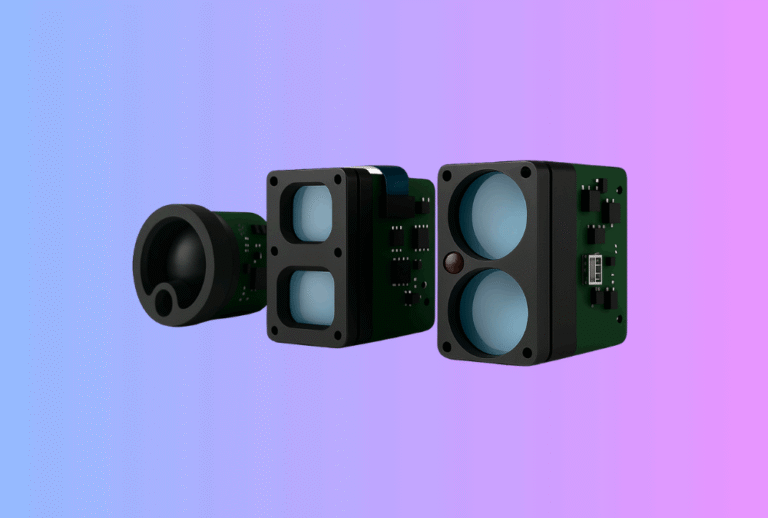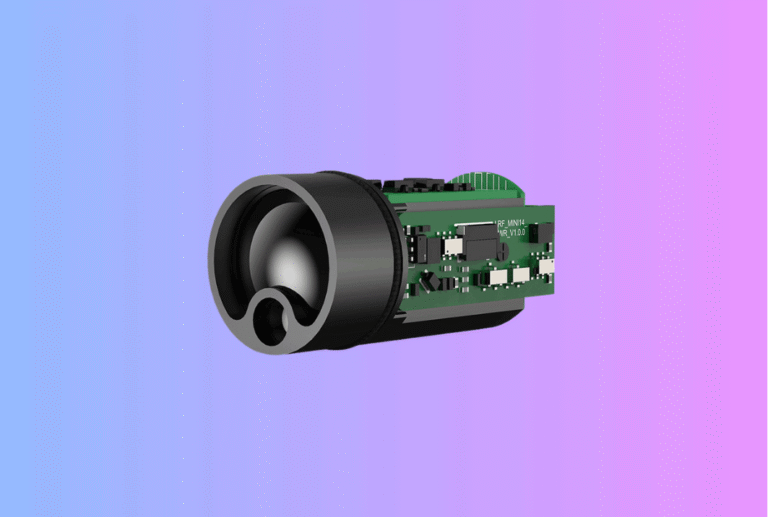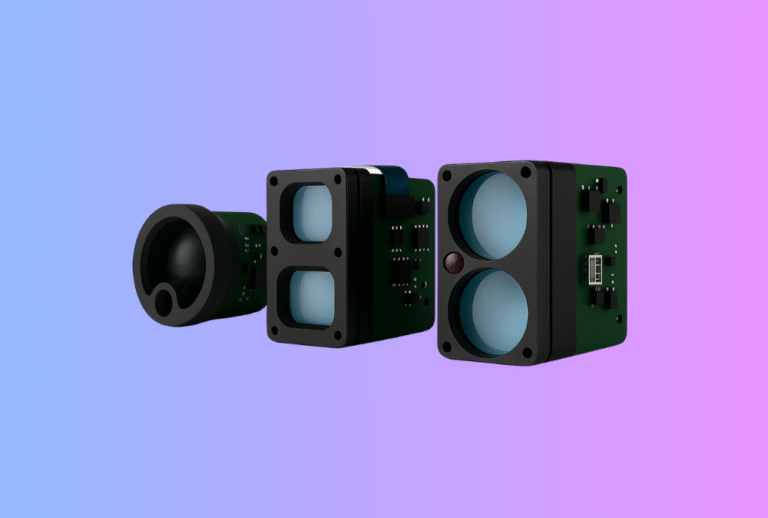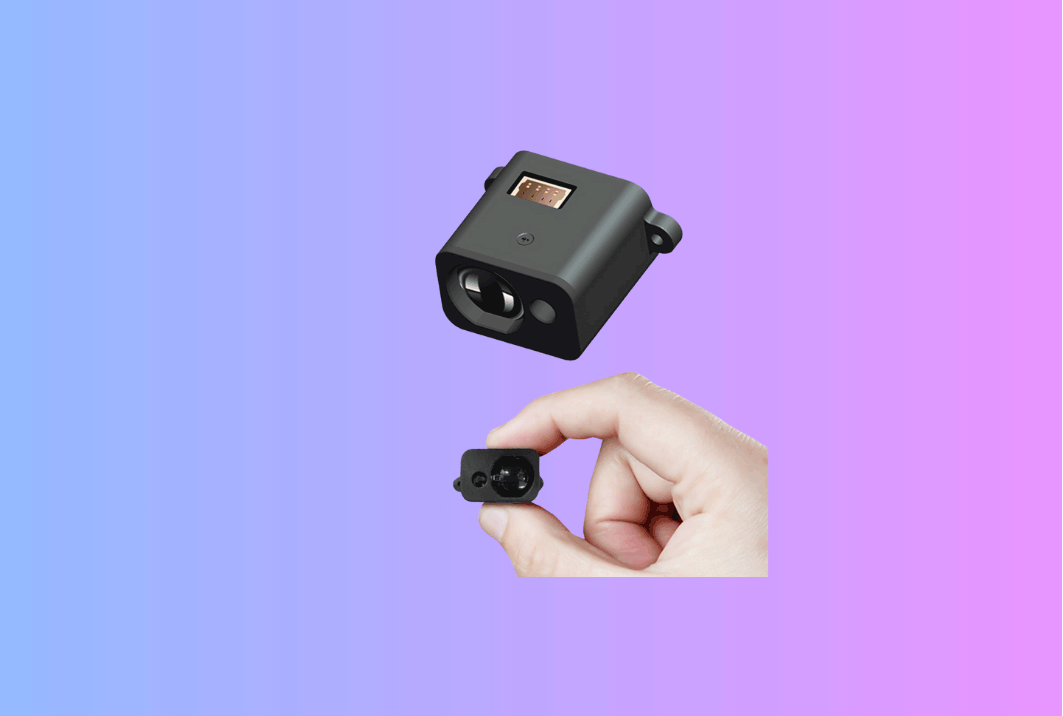
A modern Laser Rangefinder Module lives or dies by what the shooter sees and hears in the HUD. Fast locks are not just an algorithm problem; they depend on the way a time of flight sensor reports confidence, how digits render under sun, how the reticle guides hand wobble, and whether feedback tones encourage or punish scanning behavior. This field guide distills eight UI patterns that consistently raise range confidence, cut support tickets, and shorten training time in golf, hunting, and utility use.
Table of Contents
ToggleExecutive Summary
UI is an engineering discipline. When we standardize a few patterns—high-contrast digits, thin reticles, anti-bloom, debounced update cadence, confidence bar, confirm beep shape, and gentle locking friction—users stop chasing numbers and start hitting targets. The business win: more first-try locks in the field, fewer returns, and clearer marketing claims backed by acceptance data.
Use Cases & Buyer Scenarios
Scenario 1 — Golf/Consumer (50–400 m; noon sun)
Primary needs: snap-to-flag, bright-sun readability, battery life. Pair a thin reticle with a tight first-target gate and an anti-bloom dimmer that defends contrast at ≳100 klx. A small confidence bar reassures shaky hands without distracting. This HUD language should echo the company’s daylight optics playbook; for binocular overlays and course previews, we mirror the typography used in Thermal Binoculars.
Scenario 2 — Hunting/Outdoors (100–800 m; brush; dawn/dusk)
Foreground clutter, low light, and recoil stress the pipeline. Bias the decision engine to last-target with verify bursts when cluster spread is wide, then render a lock-then-confirm two-stage UI: a soft pre-tone at candidate lock, a firmer tone when confidence clears the threshold. Reuse icon spacing and telemetry readouts you already ship on Thermal Rifle Scopes; hunters learn one HUD language across day/night devices.
Scenario 3 — Mapping & Utilities (walk-and-scan 50–150 m)
Techs sweep structures and signs while moving. The key is a stable perceived cadence (5–8 Hz), not raw engine rate. Show a smooth, debounced number and a subtle “track” bar that tells the user to keep panning. We preserve this visual rhythm in accessories that sit beside day/night observation tools such as Thermal Monoculars.
Spec & Selection Guide
UI goals that correlate with range confidence
Range confidence (Pd) is the probability that the displayed distance is correct within tolerance and reported under a latency cap (e.g., ±0.5 m @200 m, 95th ≤180 ms). On the human side, Pd climbs when users can aim precisely, read digits in all light, and understand quality at a glance. The UI therefore must:
- Expose quality (a 0–100 confidence bar) next to range.
- Keep digits legible under sun—high contrast, anti-bloom, and monospaced numerals.
- Use a thin reticle that reveals small targets instead of covering them.
- Update at a human cadence (5–8 Hz) even if the engine runs faster.
- Provide beeps/haptics that reward steady aim and discourage number-chasing.
Eight UI patterns you can ship
1) High-contrast, sun-tuned numerals
Digits must pass outdoor contrast in noon light. An OLED set to 14–18 pt for 2–3 m eye distance, with a 4.5:1 effective luminance contrast minimum, remains readable at ≳100 klx. Prefer a semi-bold, monospaced numeric subset to prevent jitter as values change. Anti-bloom logic should dim digits logarithmically rather than in steps.
2) Thin reticle, thick information
The reticle should be thin enough not to hide a flag or animal outline; 1–2 pixels on a 128×64 HUD is typical. Use short tick marks rather than thick rings. If you render a circle, keep it small (≈1.2 mrad apparent) so it guides wobble rather than teaching users to “fish.”
3) Confidence bar (0–100) tied to cluster statistics
Confidence must mean something. Map it to burst amplitude, valid-return count, and cluster width (σ). Show as a short horizontal bar or unobtrusive number. When <60, prompt “Steady and rescan.” Expose this value on the wire so host apps can log it in service modes for the laser distance sensor module.
4) Debounced cadence (perceived 5–8 Hz)
Humans read steady numbers better than flicker. Debounce display updates to ~5–8 Hz using an exponential smoother or a 3–5 sample median—even if the engine samples much faster. Latency budgets matter: if the number settles in <100 ms, the brain experiences it as instant.
5) Two-stage lock tone with short “pre-lock” chirp
Use a quiet chirp when a candidate lock appears, then a fuller tone on commit. The pre-lock sound tells the user they’re close; the commit sound prevents overscan. A gentle 300–700 Hz up-sweep of 60–90 ms reads well in wind without piercing the ear.
6) Anti-bloom auto-dimming
Bright sun crushes OLEDs. An ambient sensor or frame-based estimator can drive a log-like auto-dimmer that preserves contrast without hiding digits. Keep reticle and digits on separate curves so the reticle never blooms into the target.
7) Micro-copy that teaches behavior
Small words next to the number—“Lock,” “Scan,” “Last,” “Verify”—reduce learning time. Avoid icons that look pretty but mean nothing. If your product later adds imaging overlays via a Thermal camera module, reuse the same vocabulary to avoid cognitive switching costs.
8) Gentle friction after lock
Once locked, add a tiny dead-band (e.g., ±0.3 m) and a 150–250 ms hysteresis before relinquishing the value. This prevents “yo-yo” digits when the hand trembles and rewards the user for holding still for a beat.
Comparison table (UI element → measurable spec)
| UI element | Why it matters | Field target | Acceptance gate |
|---|---|---|---|
| Digits | Readability in sun | Monospaced, semi-bold | Contrast ≥ 4.5:1 @ ≥100 klx; no clipping bloom |
| Reticle | Aim on small targets | 1–2 px thin cross/circle | Apparent size ≈1.2 mrad; no target occlusion at 150 m |
| Cadence | Perceived stability | 5–8 Hz debounced | Stability ±0.5 m on steady target; latency 95th ≤180 ms |
| Confidence bar | User trust | 0–100 mapped to stats | Bar correlates with Pd (R² ≥ 0.7 on bench set) |
| Audio | Non-visual cue | Pre-lock + commit | Miss rate ↓ ≥15% vs single beep in brush test |
| Anti-bloom | Sun mode | Log-like dimmer | No clipping at max sun; digits still ≥60% luminance |
If/Then decision rules
- If your market is golf flags at 50–350 m, then default to first-target + thin reticle + small confidence bar + pre/commit tones; publish “snap-to-flag” acceptance.
- If users range animals behind light brush, then bias last-target with verify bursts and show a brief “Verify” micro-copy after pre-tone.
- If you target moving techs, then prioritize cadence stability and a visible track bar; de-emphasize beeps.
Integration & Engineering Notes
Electrical & Interfaces
Expose a small but durable API surface so hosts can drive UI without rewriting the engine:
SET_MODE(FIRST|LAST|SCAN),SET_BURST(N),SET_GATE(params)GET_RANGE()→ {range, confidence, n_valid, sigma, mode}GET_UI()→ {cadence_hz, dimmer_state, audio_profile}SET_DIMMER(mode)(OFF|AUTO|SUN),SET_AUDIO(profile)(QUIET|NORMAL|LOUD)
Keep TX rails isolated so display current never modulates pulses. Timestamp ranges at µs resolution so logs can prove that UI changes did not alter emission timing (critical for Class 1).
Optics & Mechanics (reticle geometry, windows, sealing)
Aim integrity relies on geometry. Keep TX/RX bores within ≤0.2 mrad after stress; verify parallax (“eye box”) by shifting viewpoint ±10 mm at 10 m and confirming the hit stays on grid. Use glass windows with hard AR (R ≲0.5%/surface) and blackened baffles to suppress sparkle. Nitrogen purge and O-rings qualify to IP67 so the HUD never fogs, preserving UI contrast that supports fast locks.
Firmware/ISP/Tuning (anti-bloom, filters, decisions)
Anti-bloom should sample ambient or frame stats and drive a log-like curve; never slam to MIN/MAX. Matched filtering around the shipped pulse width (10–20 ns) lifts SNR for small returns. Cluster time-of-flight candidates, compute amplitude and σ, and apply first/last bias after clustering. Only then render a debounced range and confidence bar. Publish the mapping of confidence to stats in your manual so support can reason from logs.
Testing & Validation (bench → field)
Harden UI with quantitative acceptance gates:
- Sun readability: ≥100 klx chamber or noon outdoor; digits contrast ≥4.5:1; no visible clipping on white target at 150 m.
- Perceived cadence: camera @240 fps on steady target; compute effective UI update rate (FFT) ≈5–8 Hz; numeric stability ±0.5 m.
- Audio effect: A/B single-beep vs two-stage tone; measure time-to-lock and overscan rate on brush wall at 200 m.
- Confidence calibration: Correlate bar to Pd using 10–20 % panels at 50–400 m (R² ≥0.7).
Compliance, Export & Certifications
UI does not excuse physics. Your device must remain IEC 60825-1 Class 1 across modes—emission timing cannot change when you enable “Scan” or dim the HUD. Label placement near the aperture and manual micro-copy (“Distance-only for competition”) should be consistent with USGA/R&A expectations. EMC (FCC/CISPR), safety marks, and RoHS are orthogonal but belong in the same Technical File so retailers can fast-track reviews.
Business Model, MOQ & Lead Time (OEM/ODM)
Ship the UI as a package: icon set (SVG), numeric font (WOFF), tone WAVs, acceptance templates, and SDK calls. Typical MOQs: 200–300 pcs for baseline HUD and optics; 500–1,000 pcs if custom glass/windows. EVT with catalog optics: 4–6 weeks; custom display windows/filters add 6–10 weeks.
| Deliverable | Why it matters | Time/Cost impact |
|---|---|---|
| UI kit (icons/fonts/tones) | Consistency & speed | –2 weeks UI drift; fewer revisions |
| Acceptance card | Sales & QA alignment | Fewer disputes; faster onboarding |
| Confidence mapping doc | Defensible support | Resolve logs quickly |
| Sun-mode guide | Glare readability | Lower returns |
Tiny distributor ROI (illustrative)
| Assumption | Value |
|---|---|
| Ex-works (UI-tuned handheld) | $109 |
| Landed (duty + freight) | $9 |
| Distributor sell | $169 |
| Gross per unit | $51 |
| Monthly run | 900 |
| Monthly gross | $45,900 |
Pitfalls, Benchmarks & QA
- Pretty digits, poor physics. If cadence chatters or confidence hides, users chase numbers. Debounce and show quality.
- Thick reticle occludes targets. Go thin; measure apparent mrad at eye relief.
- Sun mode is an afterthought. Build anti-bloom from day zero; validate at ≥100 klx.
- One-beep UX. Add pre-lock chirp; measure overscan rate improvement in brush.
- Confidence means nothing. Tie it to stats; publish the mapping; log it on the wire.
- UI changes alter emission timing. Lock signed timing tables; Class 1 must not move with UX.
- No eye-box spec. Define parallax tolerance; test with a 10 m grid.
FAQs
Q1: What scan rate should the HUD show?
About 5–8 Hz perceived. Faster flickers; slower feels laggy. Keep the engine free to sample faster under the hood.
Q2: How do I explain confidence to non-technical users?
Use a 0–100 bar. Below 60, prompt “Steady and rescan.” Publish a one-line definition in the manual.
Q3: Will two-stage tones annoy golfers?
Not if loudness is modest and the pre-tone is short. Field tests show fewer overshoots and faster locks vs single beep.
Q4: Does a thicker reticle help shaky hands?
It hides the target and encourages fishing. Thin reticle + small dead-band after lock works better.
Q5: Can anti-bloom hurt battery life?
Well-tuned auto-dimming saves power in shade and indoor; in sun it keeps digits readable without over-driving the OLED.
Call-to-Action (CTA)
Ready to standardize a fast-lock HUD that sells itself on the range? We’ll help you implement these eight patterns, tune cadence and tones, and back the claims with acceptance data—on top of your current engine. If your roadmap includes fused day/night optics, we’ll align timing and overlays with accessories like Thermal Clip-On Sight and Thermal Pistol Sights.
Decision Flow — from idea to field-proven HUD
Start
  ├─ Define scenes (golf / brush / walk-scan)
  │     └─ Pick primary mode (First / Last / Scan)
  ├─ Set UI cadence target (5–8 Hz perceived)
  ├─ Choose reticle (thin) + digits (monospace) + microcopy
  ├─ Map confidence (0–100) to cluster stats
  ├─ Add audio profile (pre-chirp + commit)
  ├─ Anti-bloom curve (log-like, sun sensor or frame stats)
  ├─ Acceptance tests:
  │     • Sun readability (≥100 klx, 4.5:1 contrast)
  │     • Brush wall Pd & overscan rate (A/B tones)
  │     • Cadence stability (±0.5 m; 95th ≤180 ms)
  └─ Freeze UI kit + SDK → Pilot → MP
Sources
- Nielsen Norman Group — Response Times: The 3 Important Limits. Human-perceived latency thresholds for interactive systems. (NN/g)
- WCAG 2.2 — Contrast (Minimum), Success Criterion 1.4.3. Practical baseline for legible digits outdoors. (W3C)
- ISO 9241-112 — Ergonomics of human-system interaction. Guidance on visual clarity and information presentation. (ISO)
- Edmund Optics — Display Readability in Bright Sunlight. Contrast management and glare control for outdoor UIs. (Edmund Optics)
- Vortex Optics — How Laser Rangefinder Modes Work. Practitioner overview of first/last/scan behavior. (Vortex Optics)